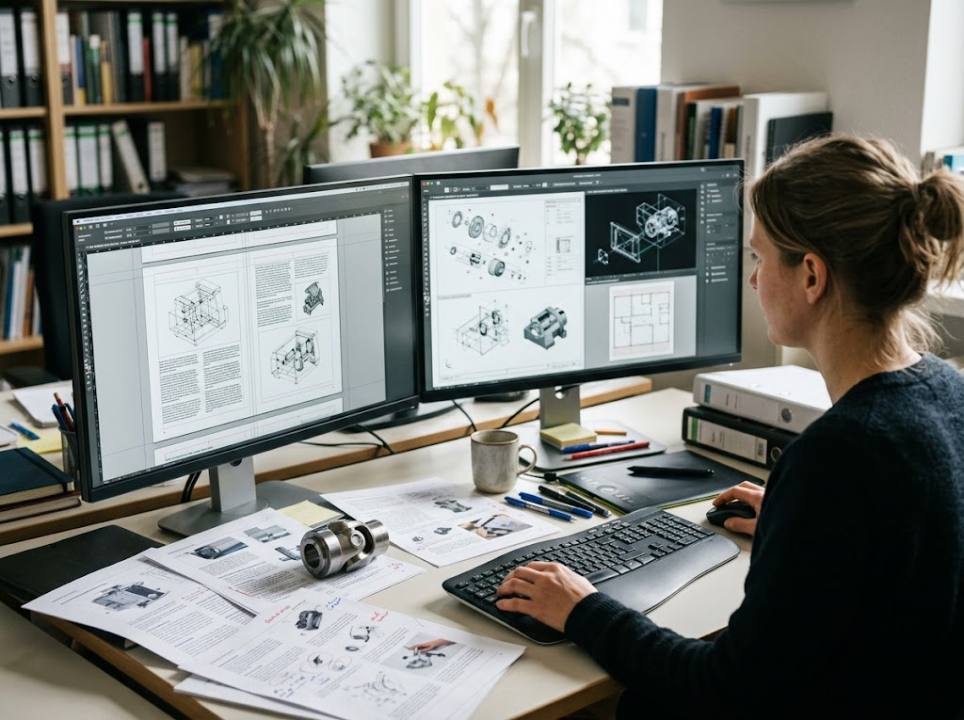
Multilingual Desktop Publishing for Technical Manuals
- June 02, 2026· Article by Maria Jones
- Languages , technical translation services
A technical manual can be translated perfectly and still fail. Tables overflow, warning symbols drift away from the text they belong to, German compound words break the layout and Arabic pages open from the wrong side. For manufacturers, the job is not done when the words are translated. It is done when the finished document looks and works as well as the original.
That is where multilingual desktop publishing, usually shortened to DTP, comes in.
What DTP Adds to Translation
Desktop publishing is the process of placing translated text back into the design files and fixing everything that changes as a result. Text length, line breaks, fonts, images with embedded labels and page numbering all need attention.
Translation changes the length of every sentence, and every change has a knock-on effect on the page. French and Spanish text typically runs longer than English, German can grow even more, while Chinese and Japanese often become shorter but need different fonts and spacing rules.
Start With Translation-Ready Source Files
The cheapest DTP is the work you avoid. Engineers and technical writers can make life easier for everyone by preparing source files properly:
- Use paragraph and character styles instead of manual formatting.
- Leave extra space in tables and text boxes for longer languages.
- Keep text out of images, or supply editable layers.
- Use a consistent glossary for part names and safety terms.
- Avoid line breaks inside sentences to force layout.
Specialist technical translation services often review source files before quoting, pointing out issues that will add cost later.
Working in the Original Design Software
Most manuals are built in professional layout tools such as Adobe InDesign or FrameMaker. Good DTP teams work directly in these formats rather than converting to Word and back. This keeps styles, cross-references and indexes intact.
The usual workflow looks like this:
- Export translatable text from the design files.
- Translate using translation memory and an approved terminology list.
- Import the translated text back into the layout.
- Adjust spacing, line breaks, tables and images.
- Run a visual check by a native speaker on the final PDF.
Safety Information Needs Extra Care
Warnings, cautions and hazard statements must appear in the right place, with the right symbol and the right signal word. In the EU, machinery and electrical products must be supplied with instructions in the language of the country where they are sold. A layout error that separates a warning from the step it refers to is not cosmetic. It can create real risk for the user.
Many manufacturers ask for a final review by an engineer who reads the target language, checking that every warning is still attached to the correct instruction.
Right-to-Left and Asian Languages
Arabic, Hebrew and Urdu read from right to left. Pages must be mirrored, tables reversed and images sometimes flipped. Asian languages need fonts that support thousands of characters, and line-breaking rules that differ from European languages.
These projects need DTP operators who know the scripts, or at least work closely with native reviewers. Otherwise small errors such as broken characters or wrong punctuation slip through.
Not Only Manuals
The same approach applies to data sheets, spare parts catalogues, packaging inserts, training slides and trade fair brochures. Companies that already use document translation services for contracts and reports often bring their technical documentation into the same workflow to keep terminology consistent.
Working With a Local Partner
Engineering companies in the North of England frequently look for nearby support so they can meet the team, discuss complex products and turn around urgent updates. Using translation services manchester firms can visit, for example, makes it easier to walk translators through a production line or show them the machine a manual describes.
Costs and How to Control Them
DTP is usually charged per page or per hour, on top of translation. The biggest cost drivers are poorly prepared source files, many embedded images and late changes to the original after translation has started.
Freeze the source before translation begins. Every change made later must be tracked, translated and laid out again in every language, multiplying the cost.
Quality Checks Before Release
Before a manual goes to print or online, run a final checklist:
- All text translated, including headers, footers and image labels.
- Table of contents and index updated.
- Cross-references point to the right pages.
- Fonts embedded and special characters displayed correctly.
- Warnings positioned next to the steps they refer to.
Plan Updates From Day One
Technical documents change with every new product version. Store translation memories, glossaries and final layout files in an organised archive. When the next revision arrives, only the changed text needs translating and the layout work shrinks accordingly. Over several product generations, this saves a significant share of the documentation budget.
Final Thoughts
Multilingual DTP turns translated text into documents that customers and technicians can actually use. By preparing source files well, working in native design formats and checking every page visually, manufacturers can deliver manuals that are as clear and professional in the twentieth language as in the first.